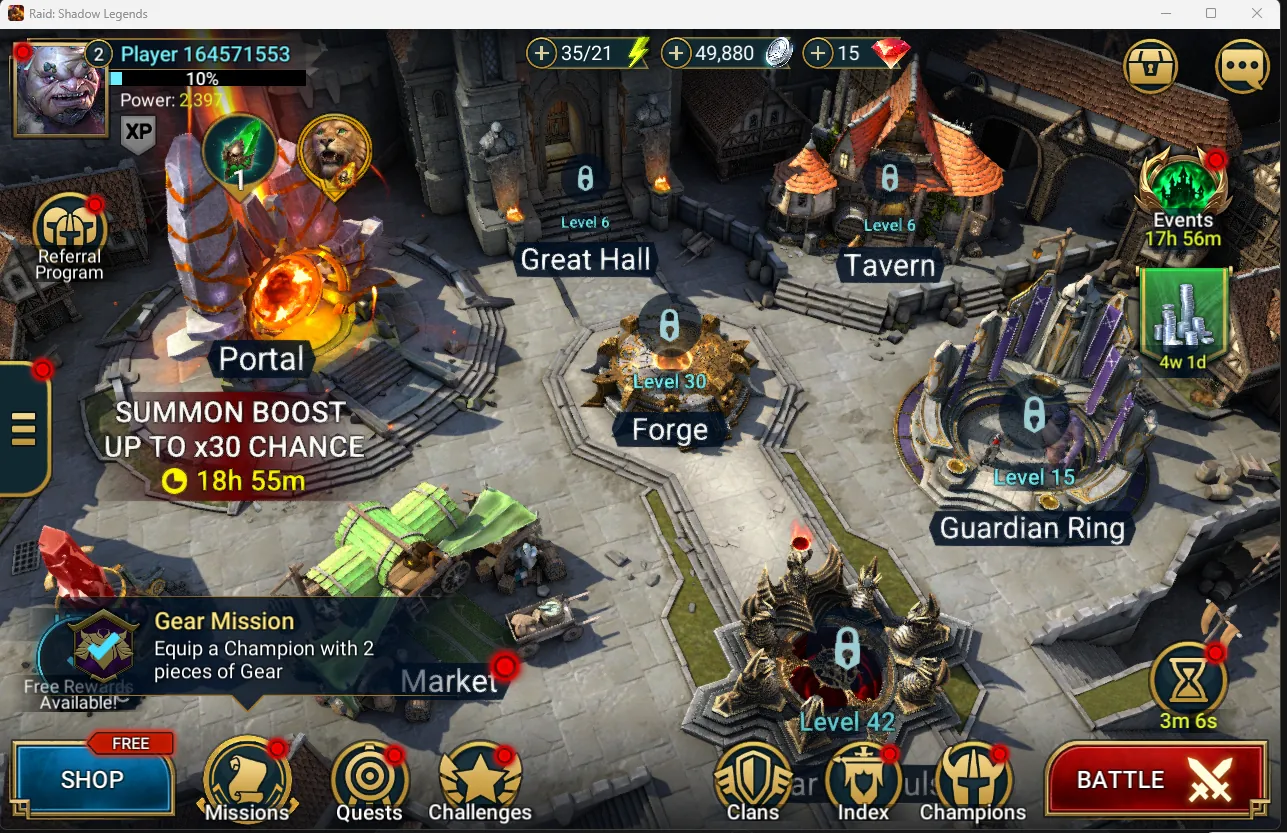
A lot of Raid players play on a computer. Long sessions of dungeon farming, Clan Boss tuning and Arena are simply easier with a big screen and a mouse. Plarium supports this directly, so you do not need an Android emulator. This page explains the two official PC options, the requirements, how to keep your phone progress, and the PC only extras such as the Plarium Points Program. If you are just starting, read our starter champion guide first: the champion you pick matters more than the platform.
Plarium Play vs Steam
 Plarium Play
 is Plarium's own launcher for its games, available for Windows and Mac. It is free, patches games automatically and runs Raid as a native application rather than a browser port, which Plarium credits for better stability, graphics and fully configurable settings, hotkeys and controls. It also has an integrated chat.
The Steam version (Steam app 2333480) went live on 9 January 2024, developed and published by Plarium Global Ltd. It is Windows only. The Steam store text promotes the same game: 800+ champions, 16 playable factions, 13 Dungeon bosses, Clan Bosses, Hydra Clash with 4 other clans, Doom Tower and Live Arena. Your Raid account itself is not tied to the launcher: it is the Plarium ID that carries your progress, so you can move between Plarium Play, Steam and mobile with the same account once it is linked.
| Plarium Play | Steam | |
|---|---|---|
| Platforms | Windows and Mac | Windows |
| Account | Plarium ID | Steam account linked to a Plarium ID |
| Updates | Automatic through the launcher | Through Steam |
| Best for | Mac players, players who want Plarium's PC rewards program | Players who keep their library in Steam |
Plarium describes the Points Program as a reward for playing through Plarium Play, and our codes page lists one code as Plarium Play only. If you want everything the PC offers, Plarium Play is the safer choice. We could not confirm from an official source whether every Plarium Play reward also works in the Steam build, so we do not claim it either way.
System requirements
Steam publishes the requirements for the Windows build. Plarium does not publish a separate table for Plarium Play that we could verify, so treat the Steam figures as the baseline for any Windows PC.
| Component | Minimum (Steam listing) |
|---|---|
| Operating system | 64-bit Windows 10 21H1 or Windows 11 21H2 |
| Processor | x86/x64 with SSE2 support, or Arm64 |
| Memory | 8 GB RAM |
| Graphics | GPU with DirectX 11 or Vulkan support |
| DirectX | Version 11 |
| Storage | 5 GB minimum, 8 GB recommended |
Those are modest numbers, and any office laptop from recent years meets them on paper. In practice storage is the one to watch: Raid patches often, and the recommended 8 GB is the more realistic figure. On Mac, Plarium says its Mac games run on both Intel and Apple Silicon machines through Plarium Play. The Steam version does not support Mac.
How to install and keep your progress
 Play RAID on PC: Deathknight's Plarium Play Installation and Features Guide
The most important thing on this page: register a Plarium ID on your current account before you start Raid on a new device. Plarium's support warns that launching on a PC without a linked Plarium ID creates a new profile, and that the mobile profile may not be connectable afterwards. Plarium's official PC page puts it simply: players who register with a Plarium ID have progress, purchases and account settings synced automatically between PC and mobile.
- On your phone, register a Plarium ID. Do this in the game's account settings on the account you already play. Remember the email and password.
- Download Plarium Play from Plarium's official site and install it.
- Log in to Plarium Play with that Plarium ID, then install Raid: Shadow Legends from inside the launcher.
- Start the game. Your Bastion, champions and purchases load from the account. If you have no account yet, create a new Plarium ID instead and log in with it on your phone during your first mobile session later.
- For Steam: link your Steam account to the same Plarium ID first, then launch from Steam. Plarium's community team posted an official video walkthrough for this on the Steam forum at the Steam launch. Do not launch the Steam build with a fresh login before linking, or you risk starting a new account.
Plarium Play or an Android emulator?
Many players still run the Android version in an emulator out of habit. There is little reason to. Plarium's PC page opens by telling players to turn off the laggy emulator, and the argument holds up: Plarium Play runs Raid as a native Windows or Mac application, gets patches the same day as mobile, and is supported directly by Plarium. An emulator adds a second layer that has to be configured, updated and trusted with your login, and it gives you the phone version's graphics and controls rather than the PC build's HD textures, scalable window and hotkeys.
The PC client is also maintained as a platform in its own right. Plarium's 2025 and 2026 patch notes regularly include Plarium Play specific fixes, such as a cursor that did not switch to the resize icon on the window border in Windows, the Enter or Spacebar key reopening the Profile window several times, and the Siege defense team window showing the wrong number of rows. Small things, but they show the PC version is tested, not a side port.
The one case where an emulator still makes sense is a computer that cannot run the PC build at all. If your PC meets the Steam requirements above, use Plarium Play or Steam and keep a single linked account.
What is better on PC
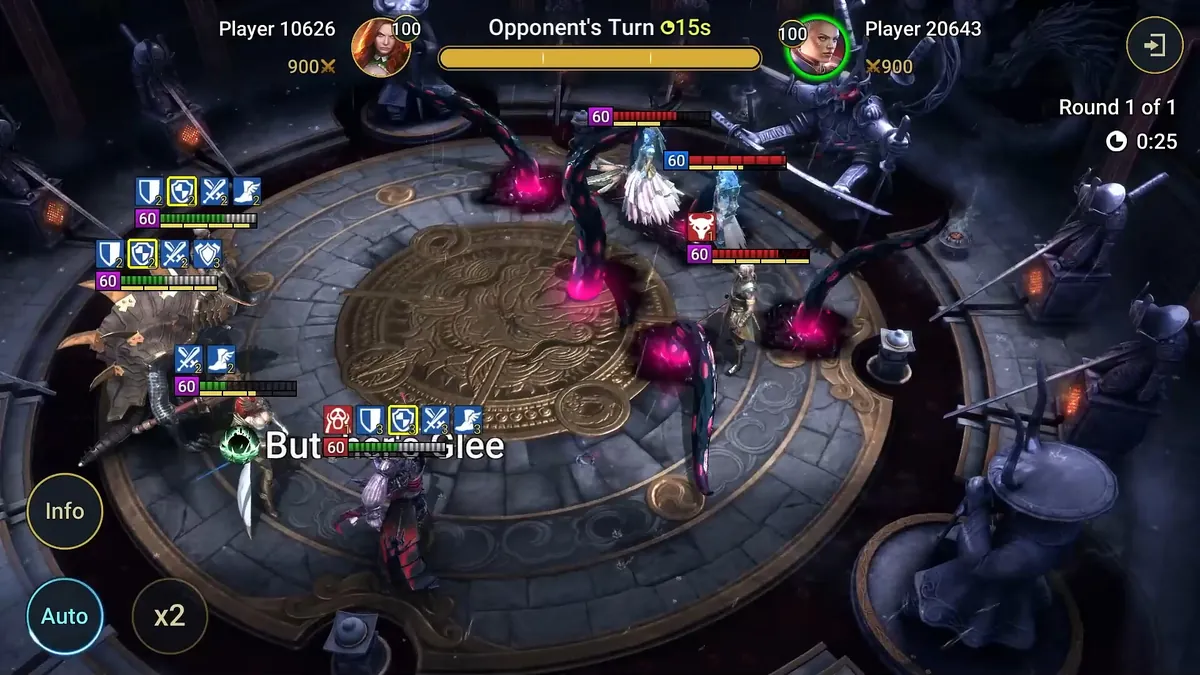
Plarium says the gameplay is exactly the same on all platforms, which it has to be in a competitive game. The differences are in comfort and graphics. The official PC page lists HD textures for environments and champion art, new animations, parallax occlusion, terrain animations, motion blur, improved lighting and self-shading in battles, and a much higher frame rate. Graphics settings are fully customisable.
- Windowed mode with a scalable window, so Raid can sit next to a browser or a team planner.
- Keyboard and mouse controls with custom hotkeys for repetitive actions.
- Automatic patches through the launcher.
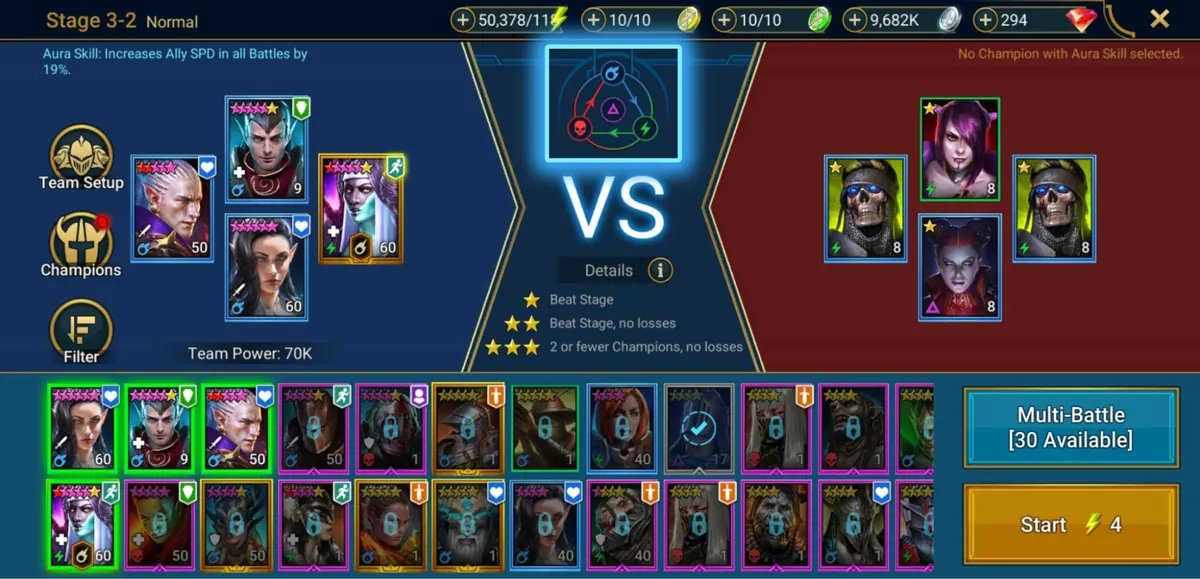
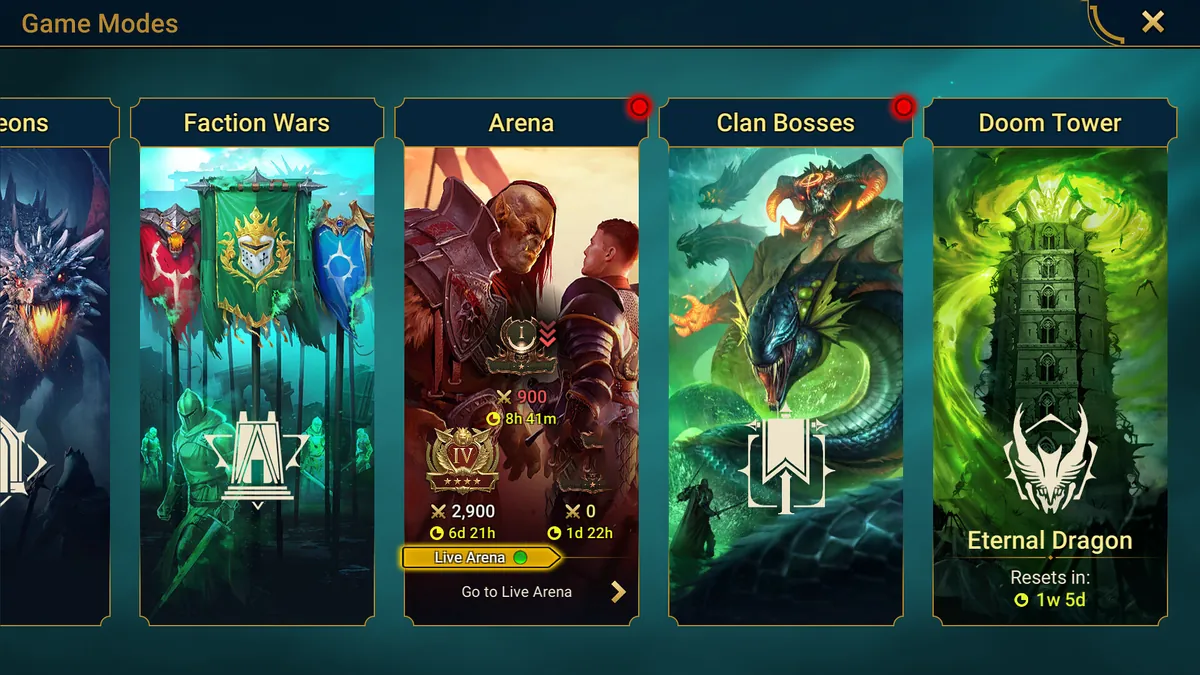
The biggest time saver in 2026 is not PC specific but works very well on a big screen: Background Multi-Battles. Patch notes through 2026 expanded the feature so that Multi-Battles, Doom Tower floors (Background Auto-Climb since Update 11.50) and Event Dungeon stages (since 11.65) can run in the background while you fight in every Arena mode, the Cursed City and the Grim Forest, summon, upgrade champions and sort gear. Champions used in the background battle can join the other fight too, but you cannot modify them until the background run ends. Combine it with a farmer from the tier list and your campaign and dungeon energy works while you do something else.

Promo codes on PC and the PP500 code
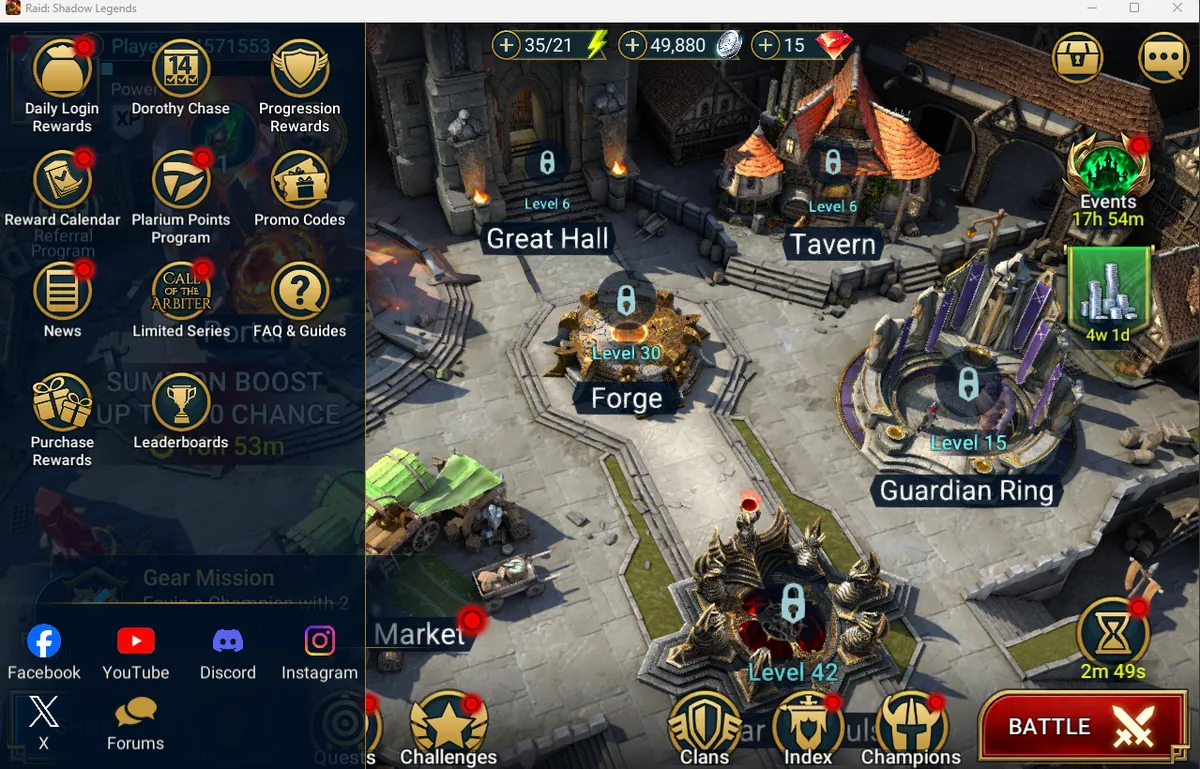
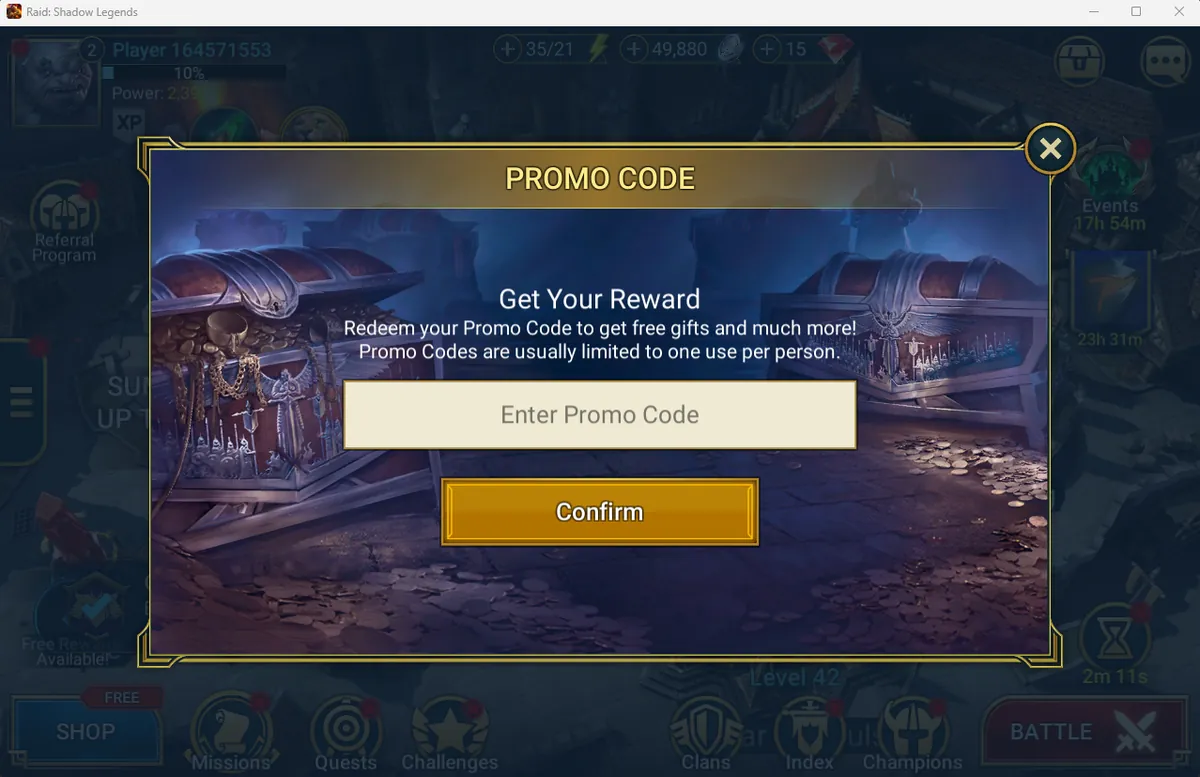
PC is the most convenient platform for codes. Plarium's own codes guide explains the difference: on PC you type the code directly in the game, on Android the in-game button opens Plarium's redemption web page, and on iOS there is no button, so you open the web page yourself. On PC, open the side menu on the left edge of the Bastion, choose Promo Codes, enter the code and press Confirm, then claim the rewards from your Inbox.
Some codes are tied to the launcher. Our Raid promo codes page lists PP500 as working only in Plarium Play, the PC launcher; the PP stands for Plarium Play and the code is aimed at players who use it. If you play on mobile or Steam only, that code is not for you. The codes page tracks which codes are live, so we do not repeat the list here. Two rules from Plarium's guide apply everywhere: after any successful redemption, code entry is locked for 24 hours, and you can enter up to 5 codes per hour. A brand new account should redeem its new player code first, within 3 days of registration.
The Plarium Points Program
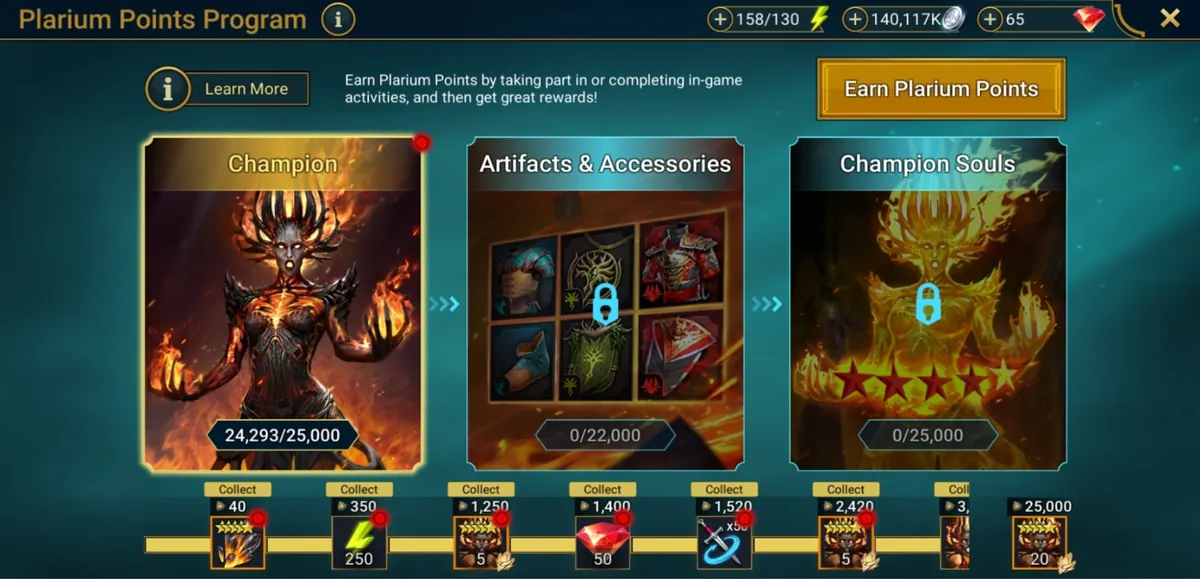
Plarium Points are the reason many players use Plarium Play even when they also play on mobile. You earn points by playing Raid through Plarium Play, by completing in-game activities, and on specially marked Shop deals. Rewards include a Legendary champion that Plarium says cannot be earned any other way, plus artifacts, accessories, souls and more.
Two 2026 updates made the program more attractive. Update 11.50 (May 2026) added Treasure Tickets: everyone gets a Free Draw every 72 hours, Silver Tickets come from Shop offers, and Gold Tickets are earned only by collecting Plarium Points, with milestones every 30 days. Drop chances are shown in the game under the Chances button. Update 11.65 (July 2026) rebalanced the program to make rewards easier to reach and added more valuable rewards later in the track. For a free player the takeaway is simple: if you have a PC, log your normal play through Plarium Play and the points add up without spending. Our free to play guide covers the rest of the free income.
FAQ
Can I play Raid: Shadow Legends on PC with my mobile account?
Yes. Register a Plarium ID on your mobile account, then log in to Plarium Play with it. Progress, purchases and settings sync between PC and mobile. Launching on PC before linking can create a new account instead.
Is Raid: Shadow Legends on Steam?
Yes. It has been on Steam since 9 January 2024 as app 2333480, published by Plarium Global Ltd. It is the same game and account; link your Steam account to your Plarium ID before your first launch.
What are the PC requirements for Raid: Shadow Legends?
Steam lists 64-bit Windows 10 21H1 or Windows 11 21H2, an x86/x64 CPU with SSE2 or Arm64, 8 GB RAM, a DirectX 11 or Vulkan GPU, and 5 GB of storage minimum with 8 GB recommended.
Can you play Raid: Shadow Legends on Mac?
Yes, through Plarium Play, Plarium's own launcher, which is available for Mac. Plarium says its Mac games run on both Intel and Apple Silicon. The Steam version is Windows only.
Where do I enter promo codes in Raid on PC?
Open the side menu on the left of the Bastion, choose Promo Codes, enter the code and press Confirm, then claim the rewards in your Inbox. PP500 works only in Plarium Play.
What is the Plarium Points Program?
A PC rewards program: you earn Plarium Points by playing through Plarium Play, completing activities and buying marked Shop deals, and unlock rewards including an exclusive Legendary champion, artifacts, accessories and souls.