This page is part of our Neverness To Everness hub. If you are still choosing between PC, console and phone, read release and platforms first.
Official minimum and recommended specs
From the Steam store page (app 4508340), November 2026. Both tiers require a 64 bit processor and operating system and a broadband connection; NTE is online only.
| Part | Minimum | Recommended |
|---|---|---|
| OS | Windows 10 64-bit | Windows 10 64-bit or above |
| CPU | Intel Core i7-10700 or Snapdragon X | Intel Core i7-12700 or Snapdragon X2 Elite |
| RAM | 16 GB | 32 GB |
| GPU | NVIDIA GeForce GTX 1660, AMD Radeon RX 5600 or Qualcomm Adreno X1 | NVIDIA GeForce RTX 3060, AMD Radeon RX 6700 or Qualcomm Adreno X2 |
| DirectX | Version 11 | Version 12 |
| Storage | 110 GB | 110 GB |
| Network | Broadband | Broadband |
Steam does not publish target resolutions or frame rates for these tiers, so we will not invent them. Treat minimum as "it starts and plays" and recommended as the level the developers had in mind.
What the numbers mean for your PC
- The CPU bar is high. An i7-10700 is an eight core chip. Older quad cores and four core laptop chips sit below the minimum. Comparable modern AMD processors should be fine, but Steam names only Intel and Snapdragon parts.
- 16 GB of RAM is the real floor. With 8 GB expect stutter when the city streams in. 32 GB is recommended, which is unusual for a free to play game.
- A GTX 1660 is a 6 GB card. Cards with less video memory sit below the minimum. An RTX 3060 has 12 GB, which helps with texture streaming.
- DirectX 12 is recommended. The minimum only needs DirectX 11, so older cards can still launch the game.
- Use an SSD. Steam only states 110 GB of free space, but an open city that streams data while you drive at speed is exactly where a hard drive hurts most. That is our advice, not an official line.
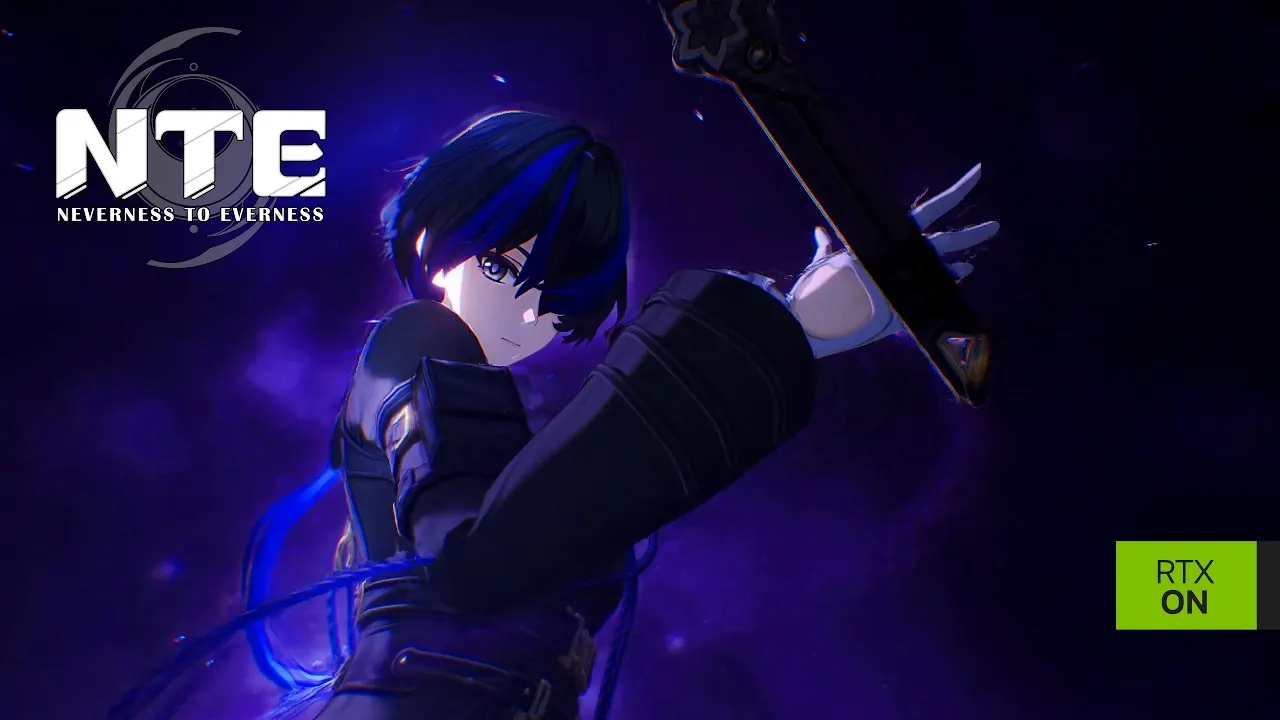 NTE RTX Launch Trailer: Path Tracing and DLSS 4 (NVIDIA GeForce channel)
NVIDIA RTX features

NVIDIA's own launch trailer for NTE advertises path tracing and DLSS 4. That makes NTE one of the few gacha games with full ray traced lighting on PC. Two practical notes:
- Path tracing is the most demanding option in any game that offers it. On cards near the recommended RTX 3060, leave it off and use DLSS upscaling instead.
- Exact DLSS features depend on your card generation, as in every DLSS 4 game. Check the options the game shows you rather than trusting a list; we could not find an official NTE page listing them.
AMD and Qualcomm GPUs are both in the official spec list, so the game does not require NVIDIA hardware.
Windows on Arm, Steam Deck and Mac
| Device | Status | Source |
|---|---|---|
| Windows on Arm (Snapdragon X) | Listed in the official minimum and recommended specs | Steam store page |
| Steam Deck | Unsupported | Valve's Steam Deck compatibility rating |
| SteamOS | Not supported | Valve's SteamOS compatibility rating |
| Mac | Native on Apple silicon: macOS 14 or later and an Apple M1 chip or later | Mac App Store listing |
| Linux | No native version | Steam lists Windows only |
Snapdragon support is the surprise here: Qualcomm's Snapdragon X and Adreno X1 appear right next to Intel and NVIDIA in the minimum specs, so new Arm laptops are officially covered. Steam Deck owners are out of luck for now; Valve's own test marks the game unsupported. On Mac, use the App Store version rather than trying to run the Windows build.
Which PC store to use
- Official PC launcher from nte.perfectworld.com. Updates: close the game, reopen the launcher, click Update.
- Steam since 8 July 2026. Supports cross progression. Remember that a Steam login creates a new User ID; link an existing account from inside the Steam client instead.
- Epic Games Store since July 2026. Updates through the launcher, like the official one.
All three run the same game on the same servers. Steam also added its own login method on 19 August 2026, with a FAQ that matters if you already have progress elsewhere. Pick Steam if you want the Steam Starter Pack DLC or Points Shop items, the official launcher if you do not want a third party client. Account details and the full store list are on release and platforms.
Settings and features worth knowing
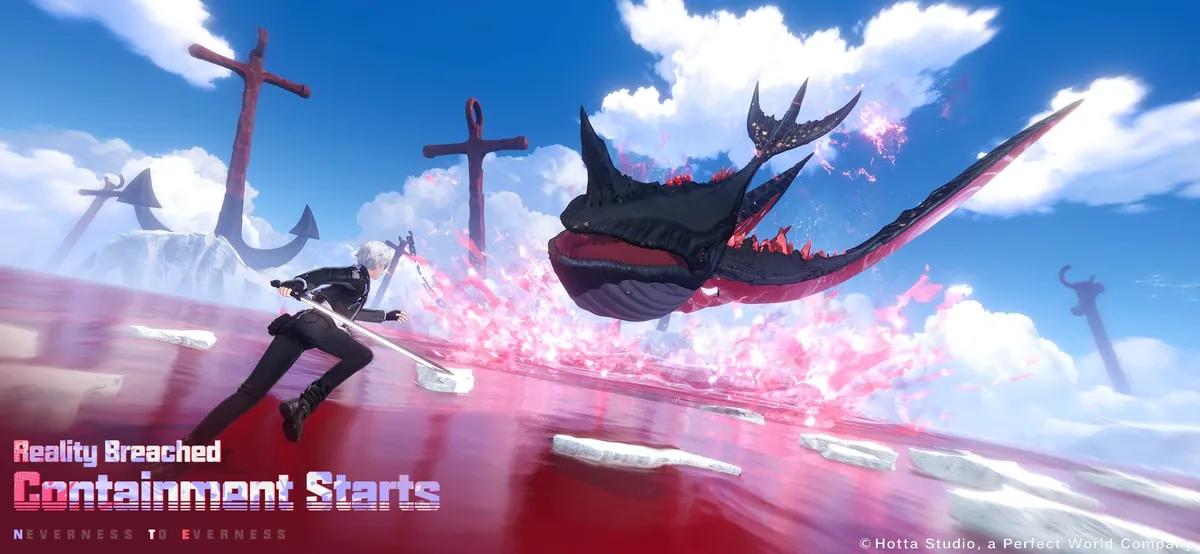
- Lower particle heavy options first. Big Esper Cycle fights spawn the most effects. Since 1.2 there is a separate toggle for Arc special effects, which helps in team fights.
- Use upscaling before lowering resolution. DLSS on NVIDIA cards keeps the image sharper than a lower native resolution.
- Turn on aim assist if you play ranged characters with a controller. The toggle was added under Settings, Control in 1.3.
- Press F7 to hide the interface on PC for screenshots; Photo Mode also works while driving since 1.3.
- Controllers: Steam lists DualShock and DualSense support and partial controller support overall, and several patches improved controller handling.
Download size, updates and maintenance
Plan for the 110 GB on day one and for growth after that. Every version so far has added a new area (Warren Continent in 1.2, Duskmoor in 1.3, Pukaland and St. Arbor in 1.4), and the official patch notices warn that updates are "on the larger side" and recommend a fast connection for the download. A few practical points from the official notices:
- Official launcher and Epic: close the game, reopen the launcher and click Update.
- Steam: close the game, restart the Steam client, then update NTE from your Library. That restart step is in the official 1.3 notice and solves most "update not found" problems.
- Version maintenance runs from 06:00 to 11:00 UTC+8 on update day, and you cannot log in during it. Smaller mid version maintenances follow the same window.
- Compensation for maintenance is sent by in-game mail, usually 300 Annulith, and it expires, so log in within a few days.
If you are short on space, the mobile version is far smaller on first download (3.7 GB on the App Store) and uses the same account through cross progression.
If the game will not run well
Below the minimum, the honest answer is to play on another device: the official Steam notice confirms cross progression between PC and mobile, so you can keep your account on a phone. Between minimum and recommended, the biggest gains usually come from upscaling, lower shadows and lower draw distance, and from keeping 16 GB of RAM free of background apps. Your combat team also affects smoothness: rotations that chain Cycles constantly, like those in our best team comps, are the heaviest moments on screen. For fast city driving, see the vehicles and city guide.
If you are planning an upgrade for NTE specifically, this is the order that matches the official specs:
- RAM to 16 GB, then 32 GB. It is the cheapest part on the list and the one most gaming PCs fall short on, since 32 GB is the recommended amount.
- An SSD with 150 GB or more free. 110 GB for the game plus room for version updates.
- A graphics card at RTX 3060 or RX 6700 level. Both are named in the recommended tier; on NVIDIA you also get DLSS.
- The CPU last. If you already meet the i7-10700 class minimum, a faster GPU and more memory usually help more in this game than a new processor.
Gaming laptops deserve a note. Laptop versions of the same GPU name are often slower than the desktop cards Steam lists, and many laptops ship with 16 GB of RAM that is shared with background apps. A laptop that meets the specs on paper should be run plugged in, with the high performance power mode enabled.
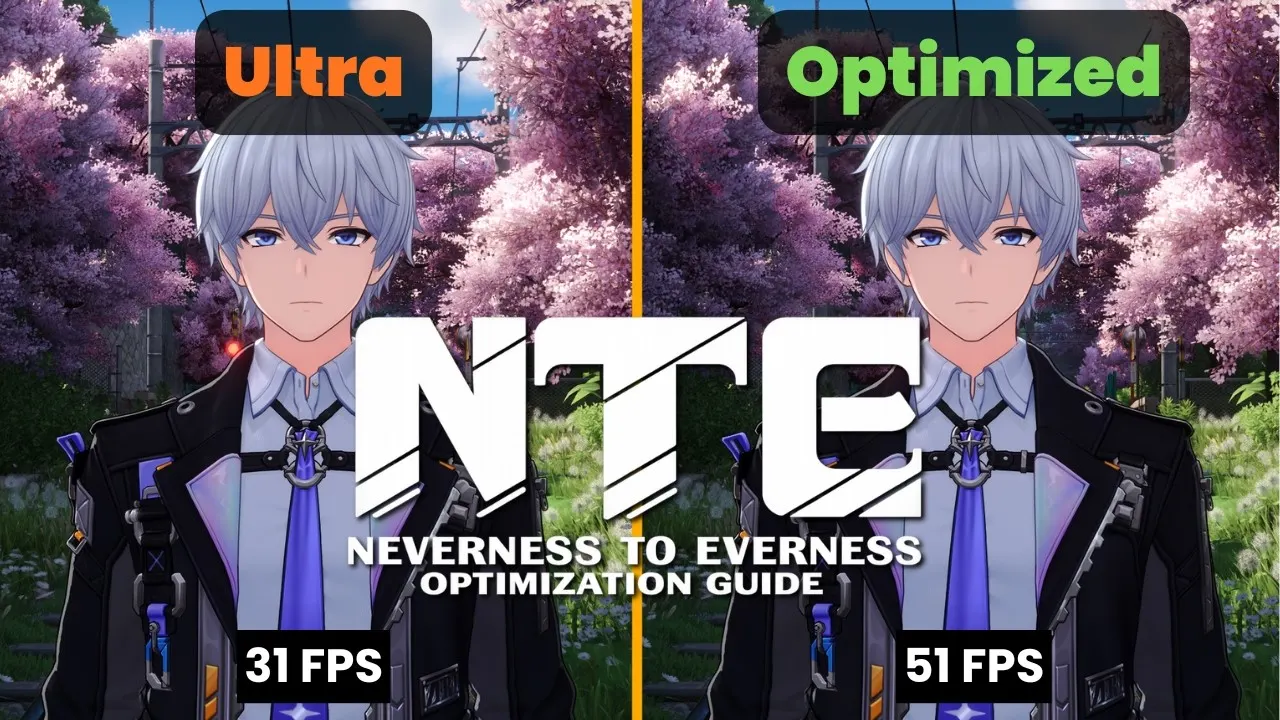 Neverness to Everness Optimization Guide: Every Graphics Setting Tested (Flamerate)
FAQ
What are the minimum PC requirements for NTE?
Windows 10 64-bit, an Intel Core i7-10700 or Snapdragon X, 16 GB RAM, a GeForce GTX 1660, Radeon RX 5600 or Adreno X1, DirectX 11 and 110 GB of storage.
What PC do I need to run NTE well?
Steam recommends an Intel Core i7-12700 or Snapdragon X2 Elite, 32 GB RAM, a GeForce RTX 3060, Radeon RX 6700 or Adreno X2, DirectX 12 and 110 GB of storage.
How big is Neverness To Everness on PC?
Steam lists 110 GB of available space for both minimum and recommended settings.
Does NTE work on Steam Deck?
No. Valve rates NTE as unsupported on Steam Deck and SteamOS.
Can I play NTE on a Mac?
Yes, through the Mac App Store on Apple silicon. It needs macOS 14 or later and a Mac with an Apple M1 chip or newer.
Does NTE support ray tracing and DLSS?
Yes. NVIDIA's official launch trailer for NTE advertises path tracing and DLSS 4 on GeForce RTX cards.