Sizes are the first download from the US App Store on November 13, 2026; most games download extra data on first launch, so keep at least double free. None of these listings says the game works offline, so plan on Wi-Fi or mobile data. More holiday guides are in the holiday gaming hub.
The first 15 games, by genre
| Game | Genre | iPhone size | Min. iOS / Android | App Store rating |
|---|---|---|---|---|
| Genshin Impact | Open world RPG | 3.65 GB | 13.0 / 6.0 | 12+ |
| Honkai: Star Rail | Turn based RPG | 3.94 GB | 13.0 / 6.0 | 12+ |
| Where Winds Meet | Open world RPG | 3.67 GB | 15.0 / 7.0 | 12+ |
| Infinity Nikki | Dress up adventure | 2.51 GB | 15.0 / 11 | 12+ |
| Raid: Shadow Legends | Collection RPG | 278 MB | 15.0 / 7.1 | 12+ |
| Hero Wars: Alliance | Collection RPG | 484 MB | 15.0 / 7.1 | 12+ |
| Rise of Kingdoms | Strategy | 2.26 GB | 13.0 / 6.0 | 9+ |
| Whiteout Survival | Strategy | 1.04 GB | 13.0 / 7.0 | 9+ |
| Pokemon TCG Pocket | Card game | 798 MB | 15.0 / 7.0 | 4+ |
| Marvel Snap | Card game | 321 MB | 15.0 / 7.0 | 9+ |
| Clash Royale | Real time strategy | 1.07 GB | 14.0 / 7.0 | 9+ |
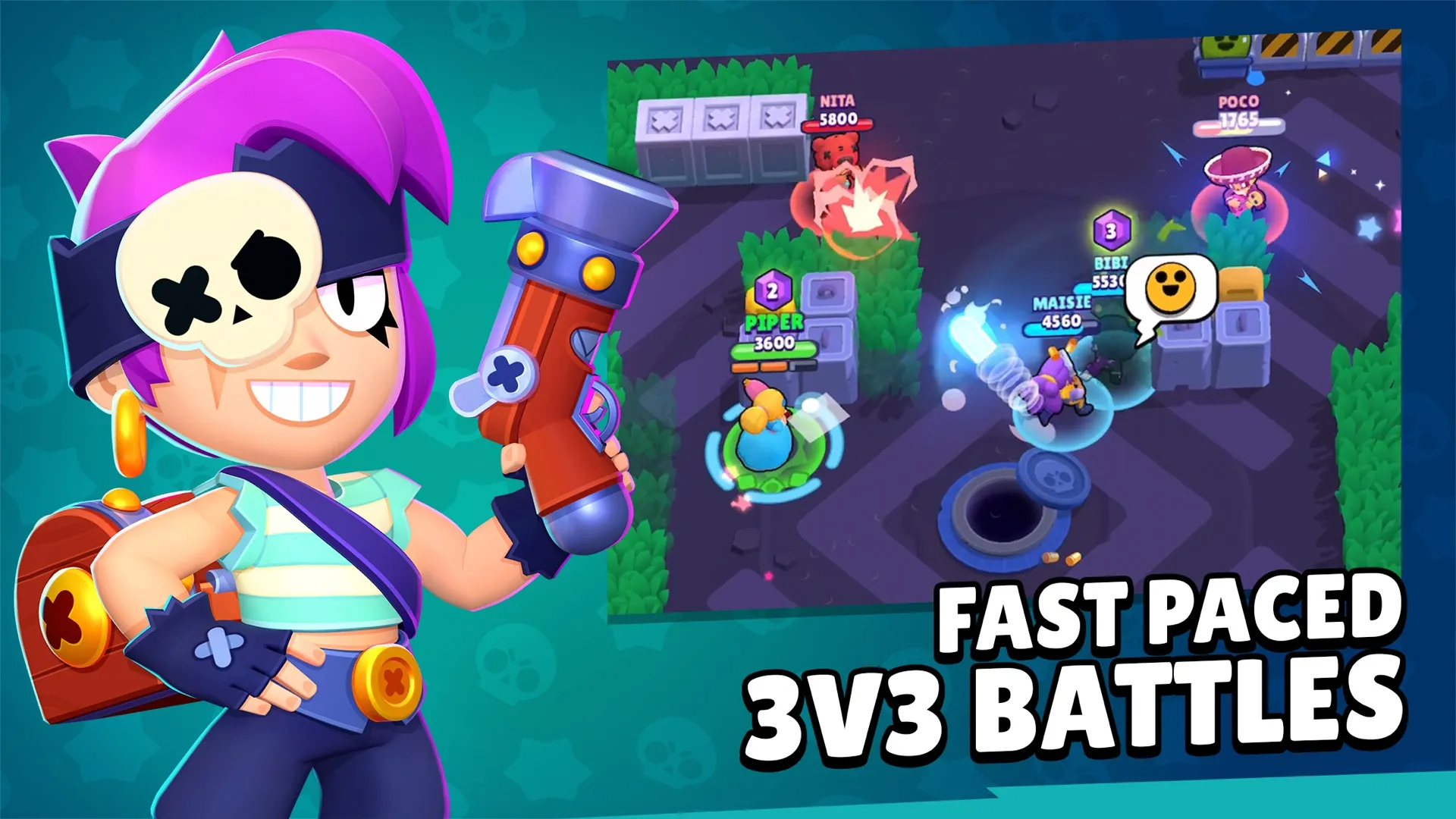
| Brawl Stars | Team action | 2.19 GB | 15.5 / 7.0 | 9+ |
| Roblox | Game platform | 227 MB | 14.0 / 8.0 | 12+ |
| Fortnite | Battle royale | 2.12 GB | 17.0 / 8.0 | 12+ |
| Pokemon GO | Outdoor AR | 408 MB | 15.0 / 9 | 9+ |
Big adventures: RPGs that use the new hardware
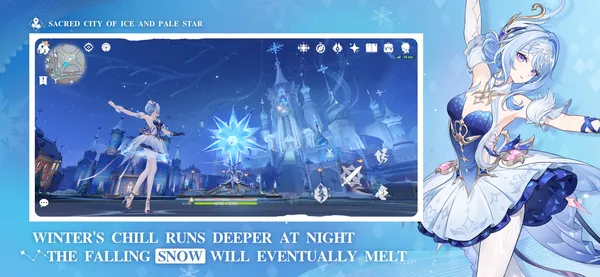
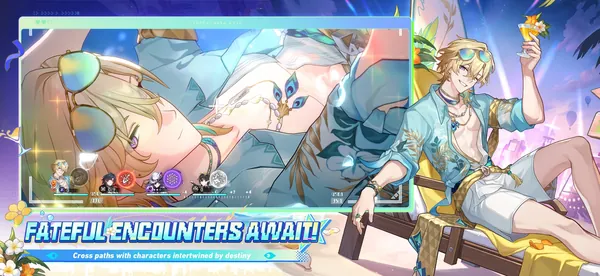
A new phone is the moment for the heavy games. Genshin Impact and Honkai: Star Rail from HoYoverse are the classics: both free, both over 3.5 GB, both rated 12+. Codes for both are on our Genshin and Star Rail pages. Where Winds Meet is the newest: its iPhone listing promises cross-play and cross-progression with PS5 and PC, so you can start on the phone and continue on a bigger screen. Infinity Nikki (2.51 GB) needs Android 11 or later, the highest minimum here.
Quick play: cards, strategy and collection RPGs
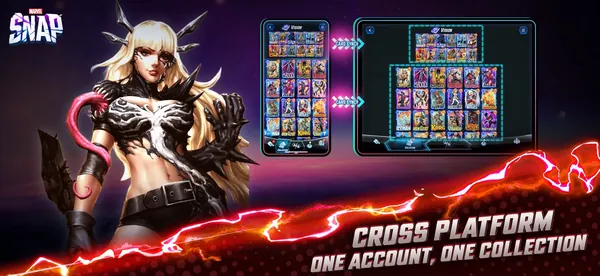
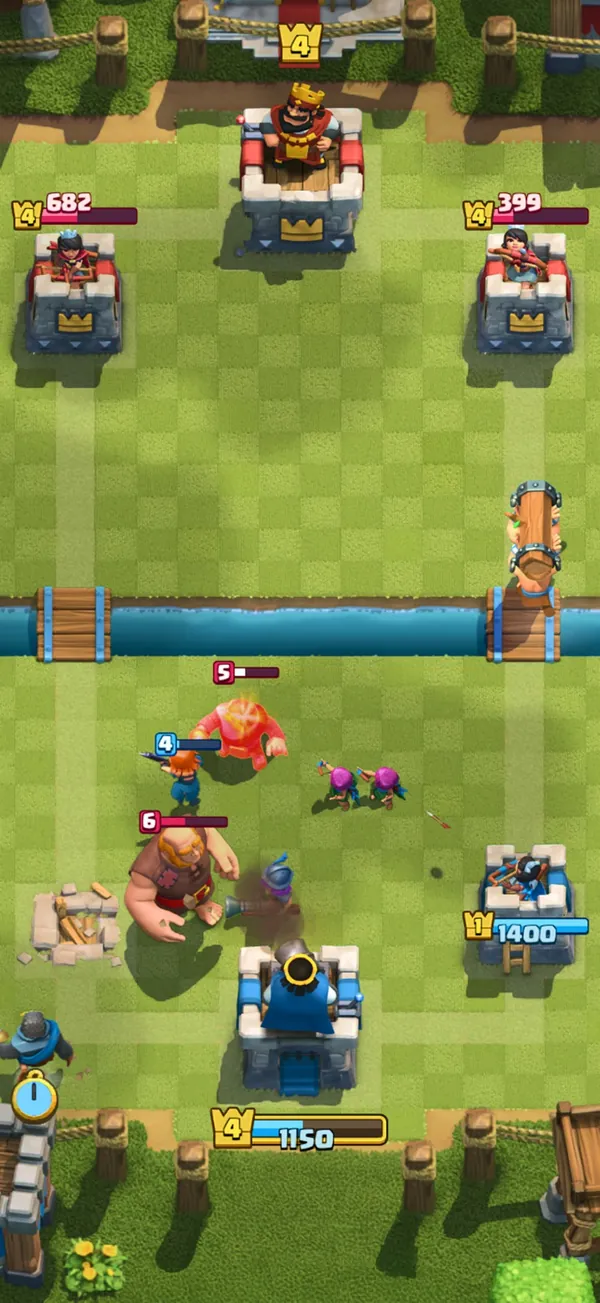
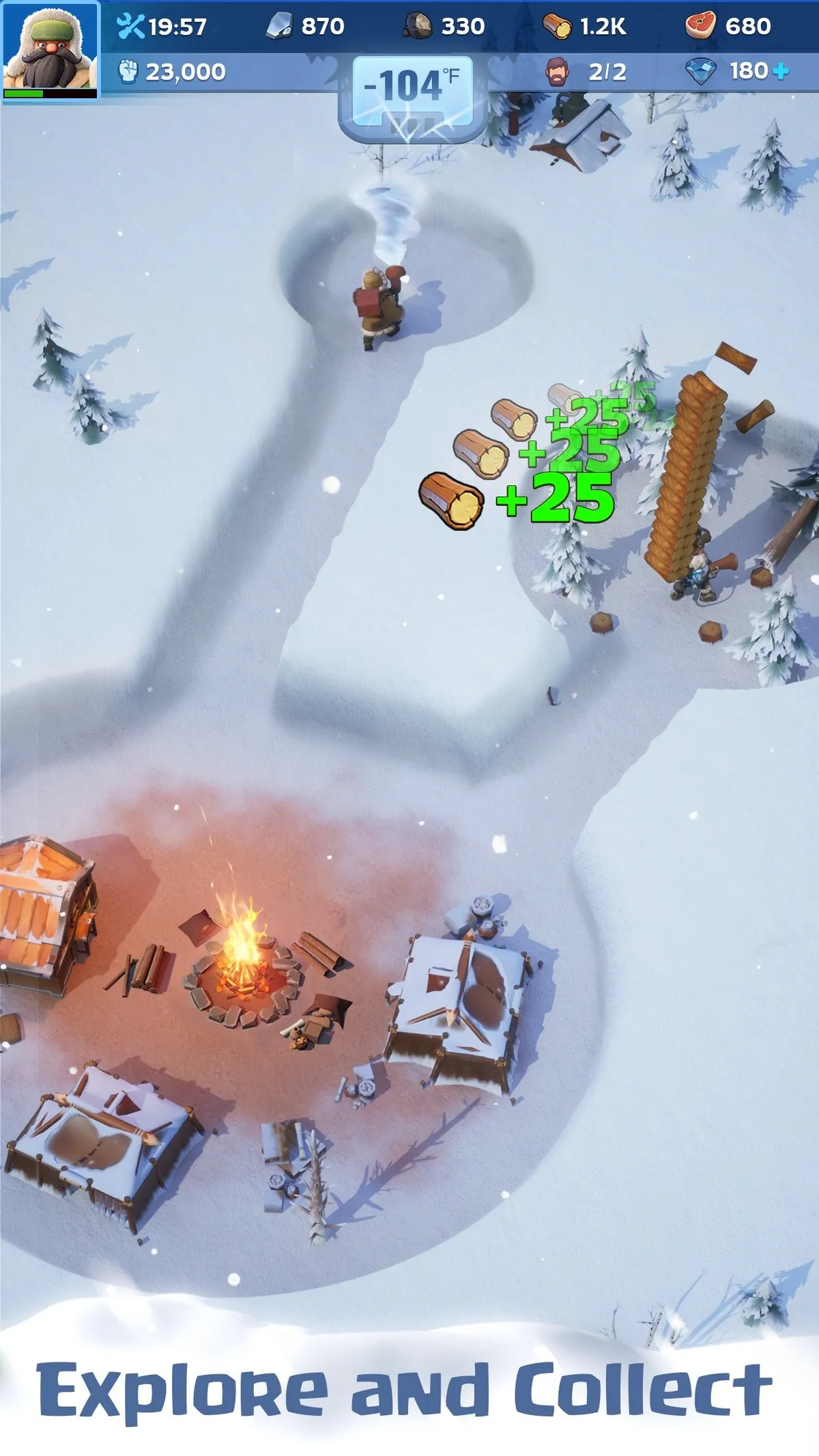
Pokemon TCG Pocket (798 MB, 4+) gives two free booster packs a day and is the easiest game here to hand to anyone; see TCG Pocket codes. Marvel Snap keeps one collection across phone and PC. Clash Royale and Brawl Stars from Supercell are short, sharp matches; Clash Royale's listing says it needs a network connection. On the collection side, Raid: Shadow Legends (278 MB) and Hero Wars: Alliance (484 MB) are light downloads with daily rewards, and the strategy games Rise of Kingdoms and Whiteout Survival reward a few minutes several times a day. Codes: Hero Wars, Rise of Kingdoms, Whiteout Survival.
Play together: Roblox, Fortnite, Pokemon GO
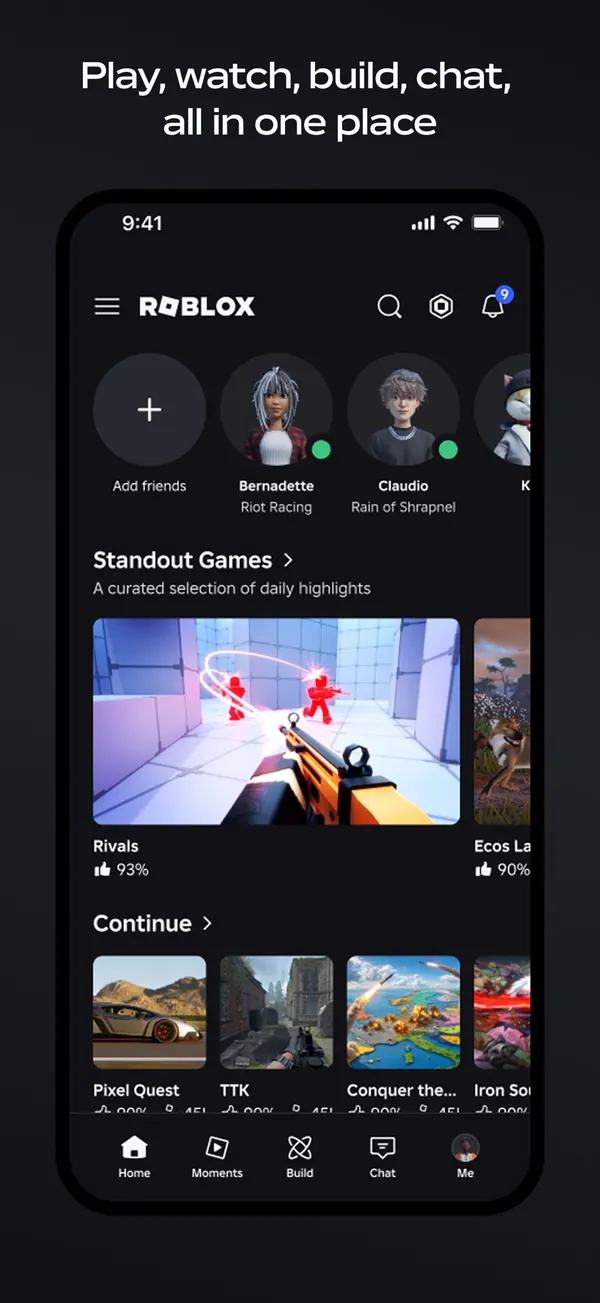
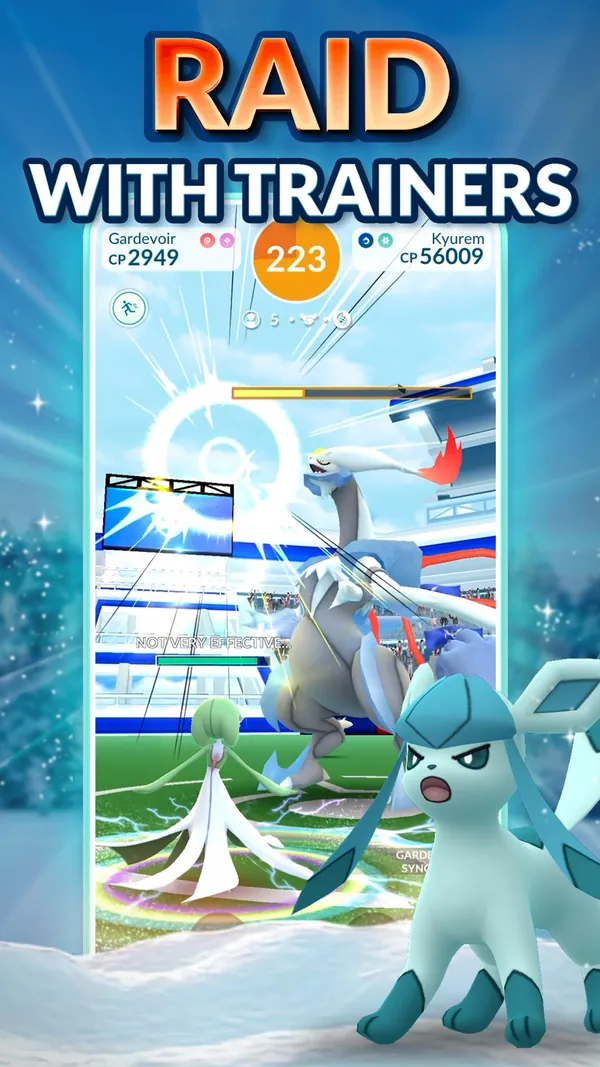
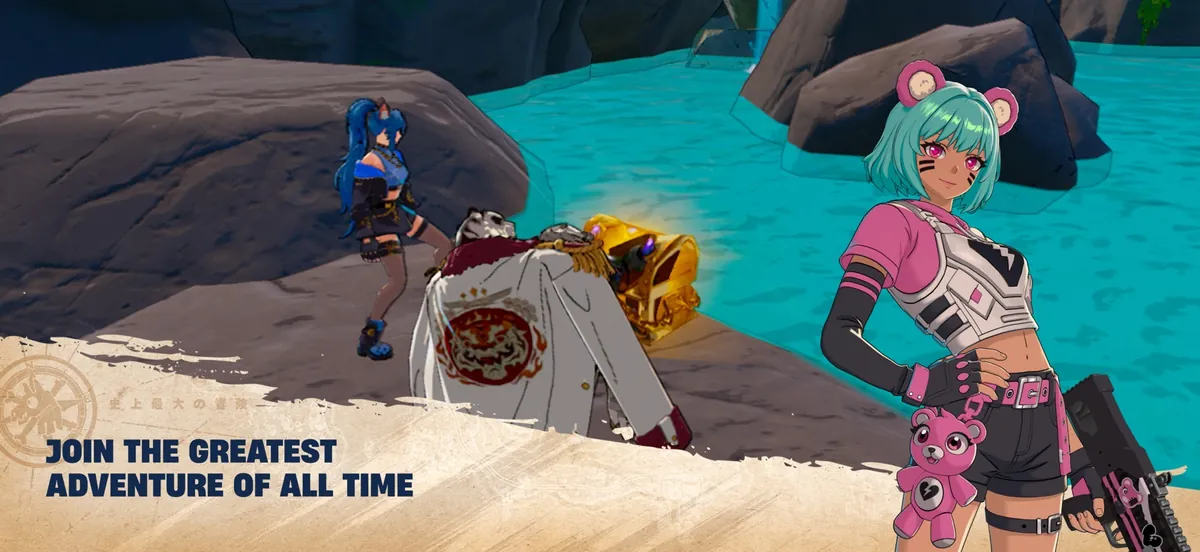
Roblox is the smallest download on the list and the biggest social game; its listing says a network connection is required and Wi-Fi works best. Fortnite needs iOS 17 or later and is back on the App Store in the US and several European countries; see our Winterfest guide for December. Pokemon GO needs GPS and mobile data: its listing says devices without GPS or on Wi-Fi only are not guaranteed to work. Codes for both: Fortnite and Pokemon GO.
Move your progress: account linking
Do this on the old phone before you reset it or hand it on. A wiped phone with an unlinked guest account means the progress is gone for good. The steps come from each publisher's help center:
| Game | How progress moves |
|---|---|
| Roblox | Add and verify an email or phone; on the new phone use "Log In with Another Device" (Quick Login code valid 5 minutes) |
| Genshin and Star Rail | Link an email to the HoYoverse account in Settings, Account, User Center. Google login works only on Android and PC, Apple login only on iOS and PC; email works everywhere |
| Pokemon GO | Link an extra login provider (Pokemon Trainer Central, Google, Apple or Facebook) in Settings, Account; not available for child accounts |
| Raid: Shadow Legends | Connect to a Plarium ID, Facebook or Apple ID, then log in on the new device; Apple ID works on iOS only |
| Hero Wars: Alliance | iPhone to iPhone: log in to Game Center. iPhone to Android: send a support ticket with the new in-game ID |
| Clash Royale, Brawl Stars | Supercell ID: a free login by email code, created in the game's settings |
The first hour: a checklist
- Connect to Wi-Fi and a charger. The App Store sizes above are only the start; RPGs fetch more data on first launch.
- Restore accounts before games. Sign in to your Apple Account or Google Account first, then the publisher accounts from the table above.
- Install one game at a time. Open each once, let it finish its download, and log in to the linked account before the next one.
- Redeem codes on the official page. Many games give starter rewards for codes; our game codes hub lists only codes with a source.
- Set limits last, then test them. On a child's device, try a free in-app item to check the approval request actually reaches the parent.
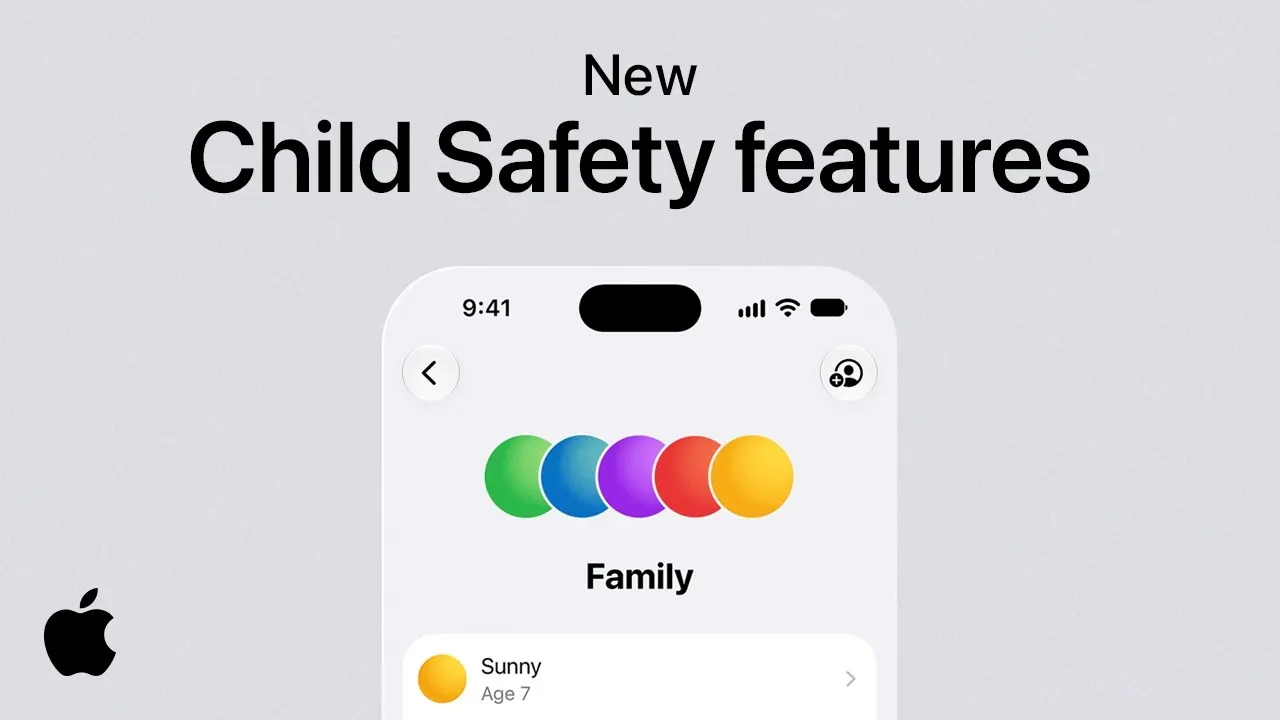 New Apple child safety features help parents keep kids safe online (Apple)
Parental controls on iPhone and iPad
Apple's controls all run through Family Sharing, where one adult organiser can add up to five family members. Then, on the parent's device:
- Screen Time: Settings, Family, the child's name, Screen Time, and follow the steps. The passcode is set on the parent's device.
- Ask to Buy: Settings, Family, the child's name, Apps and Websites, Restrictions, Ask to Buy, and turn on Require Purchase Approval. A request not answered within 24 hours must be sent again.
- Content limits: Content and Privacy Restrictions sets app age ratings, and Game Center limits such as private messaging.
Apple's help pages note that iOS 27 adds new parental controls, with Ask to Browse on by default for children under 13 and Limit Adult Websites on by default for everyone under 18. Set all of this up before the child signs in to any game.
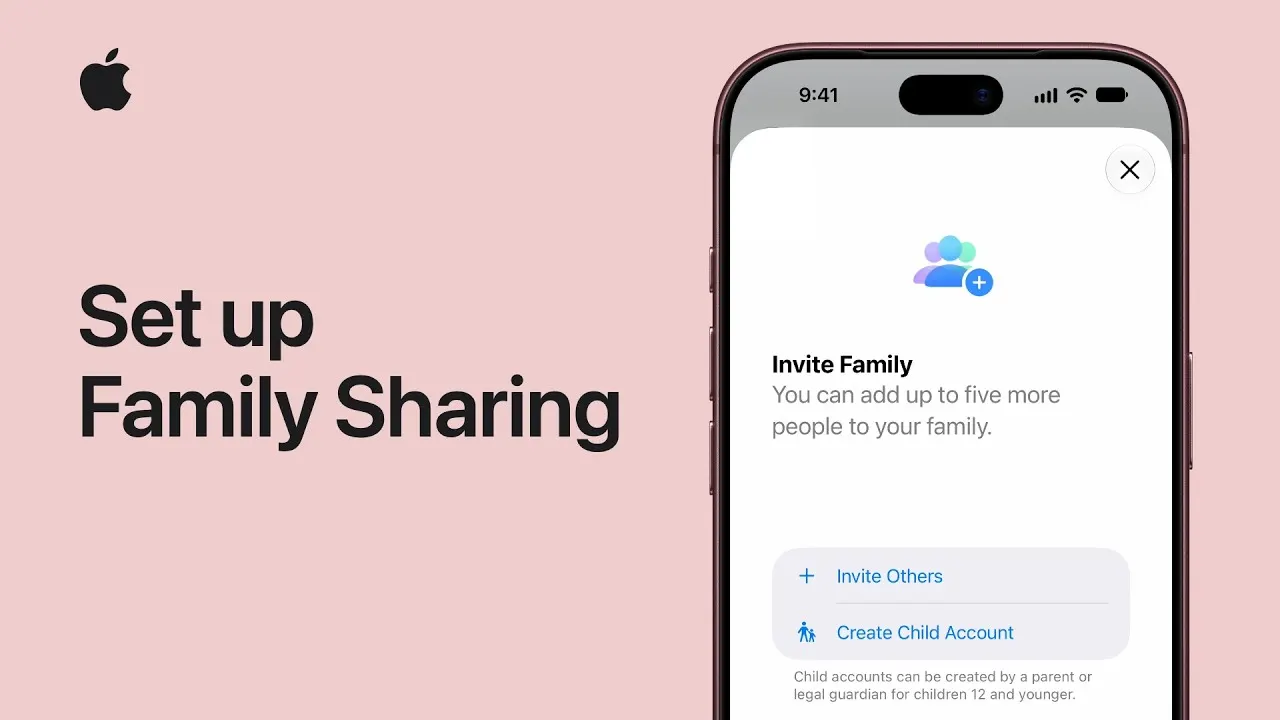 How to set up Family Sharing on iPhone or iPad (Apple Support)
Parental controls on Android
- Family Link: create or supervise the child's Google Account. The parent must be 18 or older and in the same country; Family Link can manage apps, screen time, bedtime and location.
- Purchase approvals: in Family Link, Google Play, Purchase and download approvals, choose All content, Paid content only, In-app purchases only or Never. They apply only to Google Play billing.
- Content restrictions: Play Store, profile icon, Settings, Family, Content restrictions, set a PIN and pick the ratings. They apply per device.
- Purchase verification: require a password or biometrics for purchases in Play Settings. Google warns that turning it off may result in unauthorized purchases.
Family Link cannot supervise iPhones, iPads or computers other than Chromebooks, so a family with mixed devices needs both Apple's and Google's tools. Game spending inside Roblox has its own limit as well; see our Roblox Christmas guide. If the present includes a Google Play or Apple card, read the region rules in the gift cards guide first: both only work in the country of purchase.
FAQ
What games should I download on a new phone?
Start with one big RPG (Genshin Impact or Where Winds Meet), one quick game (Pokemon TCG Pocket or Clash Royale) and one social game (Roblox or Fortnite). All are free.
How do I keep my game progress on a new phone?
Link the game to an email or publisher account before you switch: HoYoverse account for Genshin, Plarium ID for Raid, Supercell ID for Clash Royale and Brawl Stars, a verified email for Roblox.
Which mobile games work offline?
None of the 15 store listings we checked on November 13, 2026 says the game works offline. Roblox and Clash Royale state that a network connection is required, and Pokemon GO needs GPS.
How do I stop in-app purchases on a child's phone?
On iPhone turn on Ask to Buy in Family Sharing; on Android set purchase approvals in Family Link and require authentication for purchases in Google Play.
Which free games are safe for young children?
Pokemon TCG Pocket is rated 4+ on the App Store, and Pokemon GO, Clash Royale, Brawl Stars and Marvel Snap are 9+. Most RPGs on this list are 12+.